






SpinAlto App download and installation on your device
If you search for SpinAlto app download you probably expect an apk file or a listing in the App Store. Spin Alto works differently: the platform is a progressive web app (PWA) that you put on your home screen straight from the browser. You do not download dozens of megabytes or update anything by hand, and on iPhone and Android you get exactly the same lobby as on desktop.
This page explains how installation works per device, what the app adds compared with the browser, how to check that you are using the genuine SpinAlto app and what to do if the icon does not appear.

Installing the SpinAlto app on Android and iPhone
Installation takes less than a minute and runs through the browser on both platforms. You do not need a Google account or Apple ID and nothing is installed outside the browser.
Android: Chrome or Samsung Internet
Open the gaming site in Chrome, tap the three dots top right and choose Install app or Add to home screen. Confirm, and the SpinAlto icon sits among your apps. The app opens full screen without an address bar. No apk on offer? That is correct. A Spin Alto apk does not exist; a file with that name found elsewhere is not from us.
iPhone and iPad: Safari
Open the gaming site in Safari, tap the share icon at the bottom and choose Add to Home Screen. Give the icon a name and tap Add. From iOS 16.4 the PWA also supports push notifications, which you can allow on first opening. Chrome on iPhone cannot install the app; use Safari for that.
- Open the gaming site in Chrome (Android) or Safari (iPhone).
- Tap the menu or share icon and choose Add to Home Screen.
- Confirm the name SpinAlto and tap Add.
- Open the app from the home screen, log in and allow notifications if you want them.
| Item | Android | iPhone | What it means |
|---|---|---|---|
| Install form | PWA via Chrome or Samsung Internet | PWA via Safari | No apk, no App Store |
| Size | Under 3 MB cache | Under 3 MB cache | Games load per title on opening |
| Updates | Automatic on opening | Automatic on opening | You always run the latest version |
| Notifications | Yes | Yes, from iOS 16.4 | Offers and withdrawal status |
| Login | Fingerprint or password | Face ID or password | Same account as on desktop |
Features and user experience of the SpinAlto app
The app is the same lobby as on desktop, adapted to a small screen. The categories sit at the bottom, the cashier opens as a panel over the game and the live chat is behind a single button. Everything you can do on desktop you can do in the app: deposit with iDEAL, choose bonuses, set limits and withdraw.
What the app adds
- Push notifications about new offers, free spins and the status of a withdrawal.
- App bonuses visible only to players who log in through the PWA.
- Login with Face ID or fingerprint instead of a password.
- Full screen without an address bar, also in landscape at live tables.
- Faster start because the lobby is cached locally.
Who mobile play suits most
Anyone playing short sessions: a crash game or a few spins in between. Live players in the evening, because HD streams run stable on 4G. And anyone who wants to follow a withdrawal without logging in on a laptop, because the status update arrives as a push. On a tablet you get the desktop layout with the mobile menu, which is the nicest combination for live tables.
Safe use, version information and troubleshooting
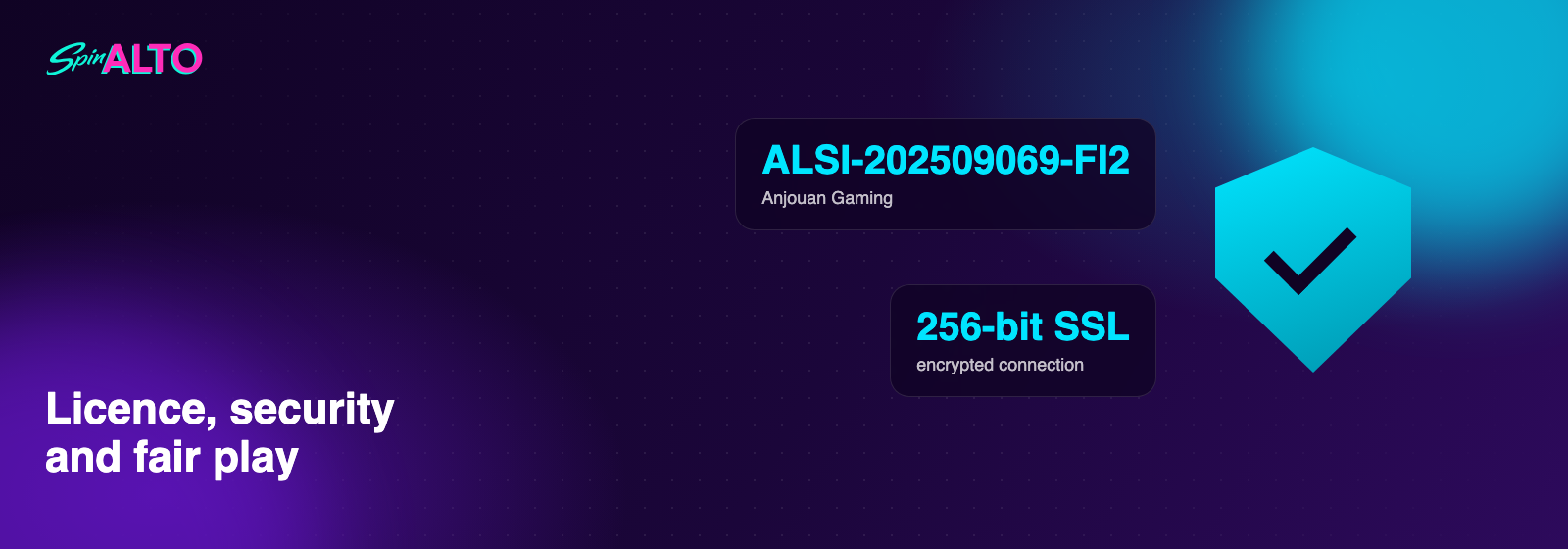
Because the app loads directly from the gaming site, you always use the current version. There is no version number to track and no update to install by hand. The connection runs over the same 256-bit SSL encryption as on desktop.
How to recognise the genuine SpinAlto app
The app is only offered from the gaming site itself, through Add to Home Screen. There is no listing in the Play Store or App Store, no apk and no download button on other sites. If you see a Spin Alto apk or a third-party app somewhere, do not install it and report it to support. After installing, check that the icon shows the SpinAlto logo and that the app opens on the familiar lobby with your own account.
The icon does not appear or the app does not open
- On iPhone: use Safari, not Chrome or Firefox. Only Safari can place the PWA.
- On Android: update Chrome to the latest version and try the menu again.
- If the app was installed in private mode it disappears when the session closes; install from a normal tab.
- If the app opens on a white screen, clear the browser cache and open the gaming site again.
- If it keeps failing, send device, browser version and a screen recording to support.
App or browser: what is the difference at Spin Alto?
Technically the app is the same site, but the use differs on a few points you notice in practice. The table puts them side by side so you can choose what suits you. Many players use both: the browser on a laptop, the app on the phone.
| Item | In the browser | In the app |
|---|---|---|
| Starting | Type the address or open a bookmark | One tap on the icon |
| Login | E-mail and password | Face ID, fingerprint or password |
| Screen space | Address bar and browser buttons stay visible | Full screen |
| Notifications | E-mail only | Push on your device |
| App bonuses | Not visible | Visible under Promotions |
| Depositing with iDEAL | Works | Works, with automatic return to the game |
| Updates | Automatic | Automatic |
Live casino and sports in the app
Live tables run in landscape in the app, with the chat and the bet buttons below the stream. On 4G an HD stream is stable; on a weak wifi signal the player automatically switches to a lower quality. The Betby sportsbook opens in the same window, so you switch between a live table and a match without logging in again.
Data usage and battery
An hour of slots costs roughly 60 to 120 MB of data, an hour of live casino in HD 500 to 800 MB. The app itself keeps under 3 MB of cache. To play more economically, set the quality to Low in the game settings; that halves usage without changing the game rules.
Frequently asked questions about the SpinAlto app
Does the SpinAlto app work on iPhone if there is no apk?
Yes. On iPhone you install the app through Safari with Add to Home Screen. An apk is an Android file format and is not needed at SpinAlto on any platform.
What is the difference between a Spin Alto apk and the app download?
There is no apk. The SpinAlto app is a progressive web app that you put on your home screen from the browser. Files named SpinAlto apk are not from us.
How do I know my SpinAlto app is safe?
If you installed it through Add to Home Screen on the gaming site itself, you are using the genuine app. The connection is encrypted and the version is always current.
Do I have to update the SpinAlto app manually?
No. The app loads the current version of the gaming site on every start. You never have to download or update anything.
Why does my SpinAlto app not open right after installation?
Usually because of an outdated browser or an installation from private mode. Update the browser, install from a normal tab and clear the cache if needed.
Last checked: 2026-10-13